👩💻 📚 Data Access Overview
Data-driven engineering is an important concept in modern engineering. It involves the use of data to drive decision-making and to make engineering decisions that are more informed and accurate. This tutorial provides an overview of data-driven engineering file access and how it is used to make better decisions.
Overview
Data-driven engineering file access is the use of data to drive decision-making and to make engineering choices that are based on data. It involves the use of data sources such as databases, file systems, and other data sources to access and analyze data.
The data-driven engineering file access process generally consists of three steps:
- Collecting the data
- Analyzing the data
- Making decisions based on the data
These steps are all part of the data-driven engineering process.
Collecting the Data
The first step in the data-driven engineering file access process is to collect the data. This step involves gathering and storing data from various sources. This could include databases, file systems, or other data sources. The data should be collected in a way that is organized and easy to access.
File Types and Data Formats
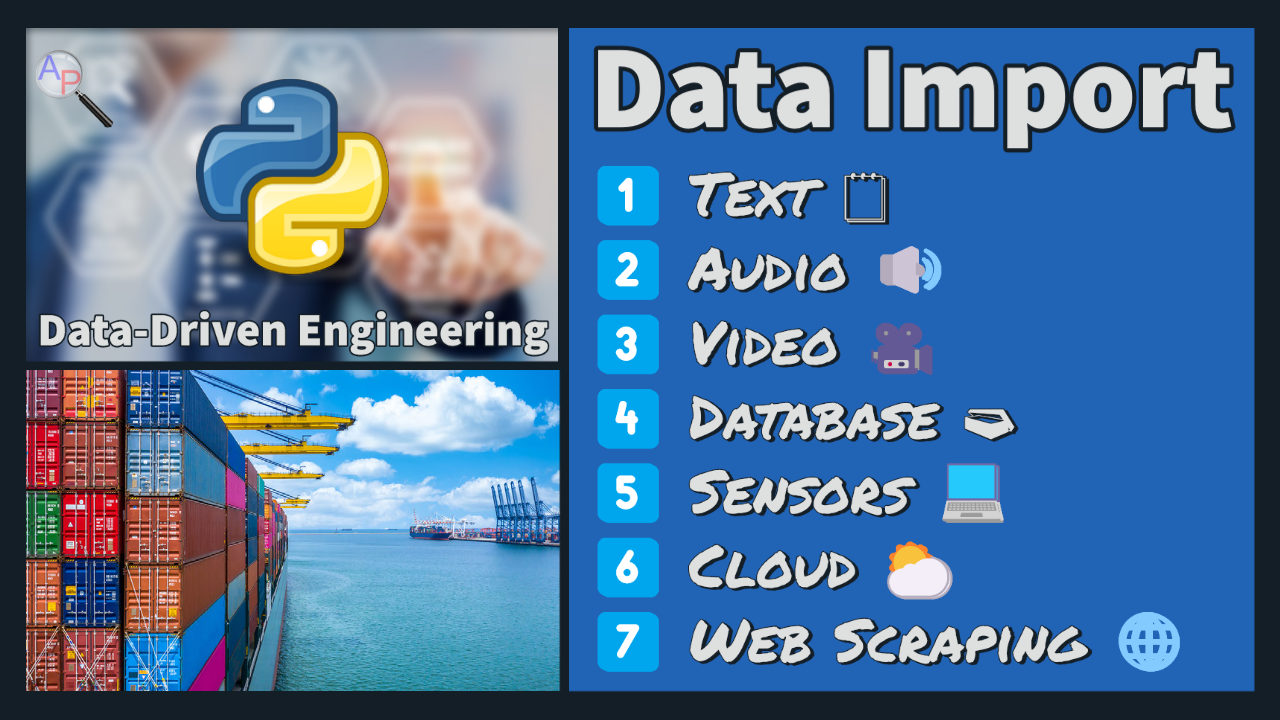
There are many types of data formats that are imported and analyzed in data-driven engineering. Text files with Comma Separated Values (CSVs) are generated from an OBD-II connection to a vehicle Electronic Control Module (ECM). Many microphones detect small changes in the air pressure at 48 kHz to convert sound into an electronic signal. Electro-optical (EO) sensors convert light into an electronic signal that is stored in a video file. Each file is a repository of information. A database is another collection of information that is built to allow data access with reading and writing to the storage. Cloud storage is similar to local access, but the information is more broadly accessible to any device that has an Internet connection. Each of these data access formats requires special consideration to read and extract information. This section is an overview of each data storage mechanism with examples to demonstrate data import, analysis, and export. The objective is to refine the information to extract useful information from data.
The data access modules reviewed in this section are:
1️⃣ Text 🗒
2️⃣ Audio 🔊
3️⃣ Video 🎥
4️⃣ Database 🗃
5️⃣ Sensors 💻
6️⃣ Cloud ⛅
7️⃣ Web Scraping 🌐
There are additional methods for extracting data from documents such as reading tables from PDF documents, importing tables from spreadsheet files, reading values from legacy charts, and proprietary file formats.
💬 Discussion Questions
Discuss with a colleague or your AI assistant before starting the Day 2 modules - commit to answers first, then check them as you work through Text, Audio, Video, Database, Sensor, Cloud, and Web Scraping.
- A plant historian samples 2,000 tags at 1 Hz. At what point does "just append to a CSV" stop being a workable storage plan, and what breaks first: file size, concurrent writers, or query speed?
- A colleague proposes storing only 1-minute averages to save space. What questions about downstream use (alarm analysis, fault signatures, model fitting) should be answered before raw data is thrown away?
- For each source covered today - text file, audio, video, database, live sensor - is the natural access pattern batch or streaming? Which ones change category depending on the application?
- Maintenance logs are free text typed by operators. What structure would you need to extract (equipment, symptom, action, date) to make them usable for reliability analysis, and what makes that extraction hard for traditional parsing but tractable for a language model?