Agentic Coding
Agentic Engineering continues with the transition from planning into implementation with Agentic Coding and using AI tools to assist with software development. The goal is not to replace engineering skills but to understand how to collaborate with intelligent systems in a disciplined, reliable way.
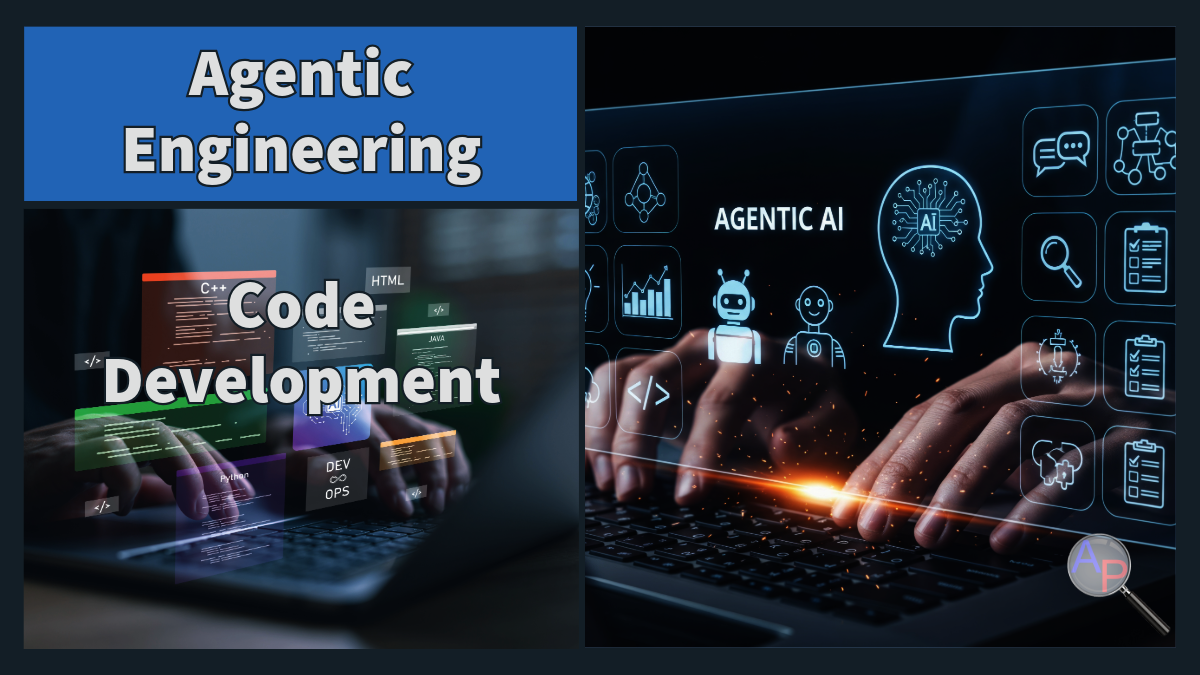
Agentic coding introduces a new workflow where engineers guide AI systems to generate boilerplate code, propose implementations, and automate repetitive tasks. However, successful workflows require careful validation, review, and engineering judgment.
Engineering Judgement Needed
AI-assisted coding is now mainstream. Reports suggest that a significant portion of modern code is now AI-generated or AI-assisted, yet most developers still do not fully trust AI output without verification.
These trends reinforce a critical engineering principle: AI increases the need for engineering judgment rather than reducing it.
Human vs AI Productivity
The gap between perceived productivity and actual productivity is one of the most important lessons for new agentic engineers.
Developers often feel faster because:
- boilerplate code appears instantly
- repetitive tasks are reduced
- examples and patterns are readily available
However, real workflows often slow down due to:
- extra review and debugging time
- hidden logic errors
- incorrect assumptions made by the model
- validation and testing requirements
The key takeaway is that AI moves effort from writing code to reviewing and validating code. Engineering rigor and planning becomes the limiting factor.
Develop an Agentic Coding Prompt Builder
Answer the questions below to generate a structured coding prompt you can paste into an Agentic AI tool. This builder is designed for two common workflows: creating new code or modifying existing code. The goal is to define requirements, file changes, testing expectations, and coding constraints before implementation.
1) Coding Task Basics
2) Existing Code Context
3) Requirements for the Code
4) Development Constraints
5) Testing and Validation
Generated Prompt (paste into an Agentic AI tool)
Tip: How to use this prompt
Agentic Coding Tools
Modern agentic workflows use a growing ecosystem of tools, each designed to support planning, coding, or orchestration.
Antigravity Antigravity provides an integrated environment with Mission Control capabilities that combine planning, coding, and controlled execution. Engineers define policies that constrain what the agent can do, allowing autonomy while maintaining oversight.
Claude Code Claude Code operates directly within repositories, helping engineers read and modify files, generate tests, and even orchestrate multi-agent workflows. It supports structured instruction files that define behavior and expectations, allowing consistent collaboration across projects.
OpenAI Codex Codex runs tasks in isolated environments with access to your repository. It can generate features, answer questions, and propose fixes while maintaining logs that improve transparency and reviewability.
Open WebUI + Local LLMs Self-hosted solutions such as Open WebUI combined with local models provide privacy-focused workflows, plugin ecosystems, and retrieval capabilities. These stacks are especially useful when data sensitivity or local control is important.
The important lesson is that tools differ, but the engineering mindset remains constant: the engineer supervises, verifies, and integrates results.
Instructor Perspective
One of the biggest shifts students experience when using agentic coding tools is the illusion of progress. When code appears instantly, it feels like the project is moving quickly. In reality, the critical work has simply moved later in the process.
Experienced engineers understand that reviewing and testing code is often harder than writing it. Your role becomes similar to a senior reviewer:
- inspect logic carefully
- demand clarity and justification
- require reproducible results
- reject solutions that cannot be validated
Agentic coding rewards engineers who think critically and slow down when needed.
Planning Still Matters
Planning remains the foundation. Strong workflows begin with clear objectives and structured workplans developed earlier in the course. Before allowing an agent to execute tasks:
- confirm data access and structure
- define acceptance criteria
- establish checkpoints and tests
- understand file organization
When planning is skipped, AI coding often creates technical debt faster than traditional approaches. When planning is strong, agentic coding becomes a powerful accelerator.
Multi-Agent Development
Advanced workflows increasingly use multiple agents operating under a coordinating agent or engineer. Specialized agents may handle:
- data processing
- model training
- testing and validation
- documentation or reporting
This parallelism can increase productivity but introduces risks such as duplicated changes or conflicting assumptions. Engineers must define boundaries clearly and integrate outputs intentionally. Multi-agent workflows succeed when orchestration is deliberate and structured.
Integrating Agentic Coding into the Course Project
In the Machine Learning for Engineers project, agentic coding should be used to accelerate implementation while maintaining engineering rigor. Recommended workflow:
- Develop a clear workplan
- Use agents to scaffold code and experiments
- Validate outputs early and often
- Track file structure and reproducibility
- Align implementation with final report requirements
Students should focus on creating maintainable, understandable code rather than maximizing automation.
Key Takeaways
Agentic coding changes how engineers work but does not remove responsibility. AI systems are fast collaborators that require careful oversight. The most successful engineers are those who:
- treat AI as a junior collaborator
- validate every output
- prioritize testing and reasoning
- maintain structure and clarity in workflows
The transition from planning to coding is not a handoff. It is a continuation of engineering judgment. In the next lectures, we will expand from coding into coordination, visualization, and communication within agentic systems.